

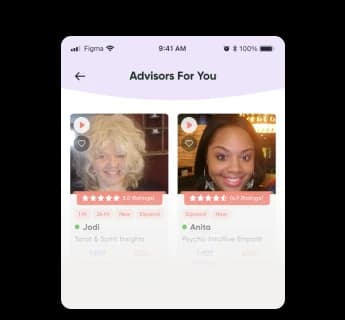
Choose Advisor
Select from the vast network of Gifted Advisors.
Connect with our Live Advisors and get your answers, support and guidance via Live Chat & Video Readings.
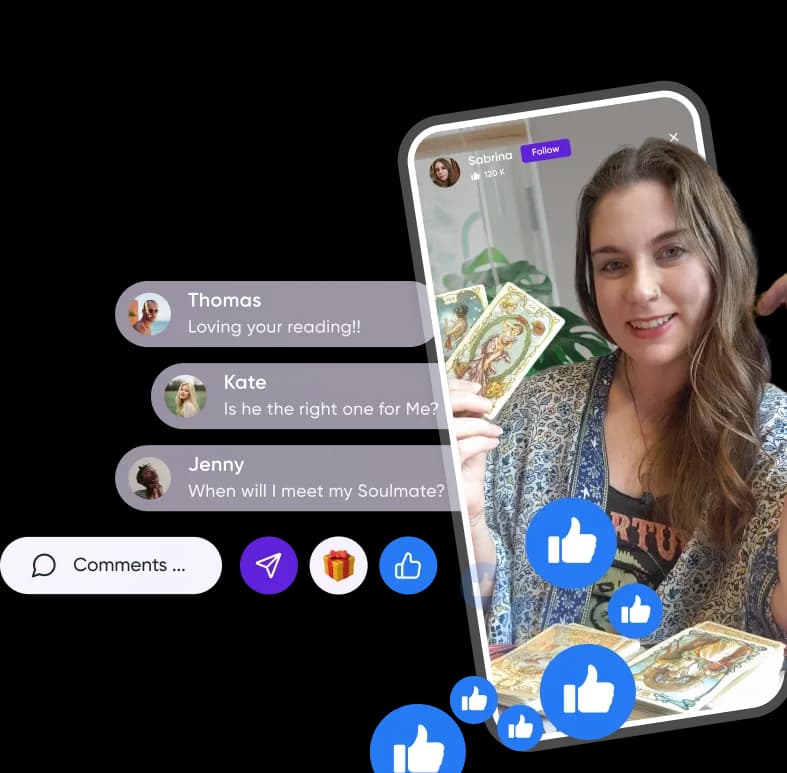
Looking for honest answers about love, career, or what's coming next? Psychic Vision connects you with vetted, experienced psychic advisors for live psychic readings by video, live chat, or private message all from your phone. Whether you want a tarot reading online, a talk with a clairvoyant, or guidance from a psychic medium, our live-streaming advisors are online now and ready to help.
Select from the vast network of Gifted Advisors.
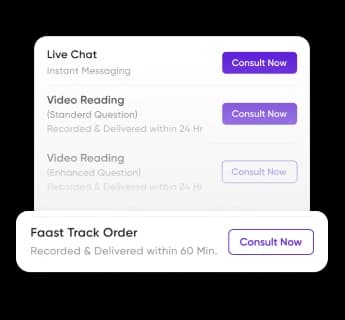
Call, Chat, or Private Message a Real Psychics.
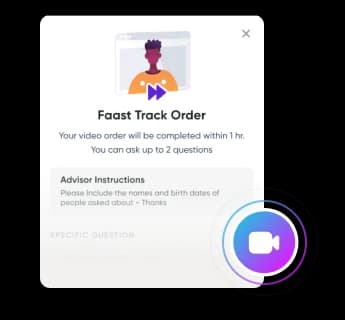
Submit a question to a Psychic Advisors.
Select from the vast network of Psychics, Astrologers, Tarot Card Readers ...
View All Advisor





Accurate Psychic Readings in the Palm of your Hand
Download Now (opens in a new tab)Thank you Anita for being a great support through this long road you have always been spot on with all you have told me..Having that patience now all things are looking up. I so appreciate you!!!
Linnette
California - USA
She saw that I would meet my soulmate in the summer and this guy is definitely my soulmate. Thank you Psychic Vision for such an accurate reading!!
Carol M
Pasadena, CA
I didn't believe it when I got the job!!! My advisor said there was going to be a delay so I assumed I didn't get it, but got the call yesterday!! Thank you!!
Marisa S.
New York, NY

If you have any other questions or feedback, please contact us and we'll get back to you shortly.
Browse all FAQs
Choose a psychic advisor and start a live chat or video reading. You can pick based on who you want to speak with, such as a tarot reader, a psychic, or an astrologer. Once you connect, you can ask your own questions or select from the services your advisor is offering during that session.
Clicking Consult Now brings up a pop up with the service options that advisor has available at that moment. From there, choose the service that best fits what you’re looking for, based on the advisor’s availability.
Our advisors offer up to three services:
Availability varies. Advisors may choose to be unavailable for voice call, live chat, or both, depending on how they’re running that session.
Once a paid service, such as a live chat or video reading, is complete, you’ll see a Rate Now option.
You’ll get a confirmation once your review is submitted. That’s it. Your rating then appears on the advisor’s profile and helps other clients choose.
See client reviewsCredits are normally added to your account automatically right after purchase. Occasionally a network issue or device hiccup causes a delay. If that happens, email your receipt and your Client ID to support@psychicvisionapp.com and our team will sort it out.
Your Client ID is at the bottom of the More page in the app.